1
Choose an animalいきものを選ぶ
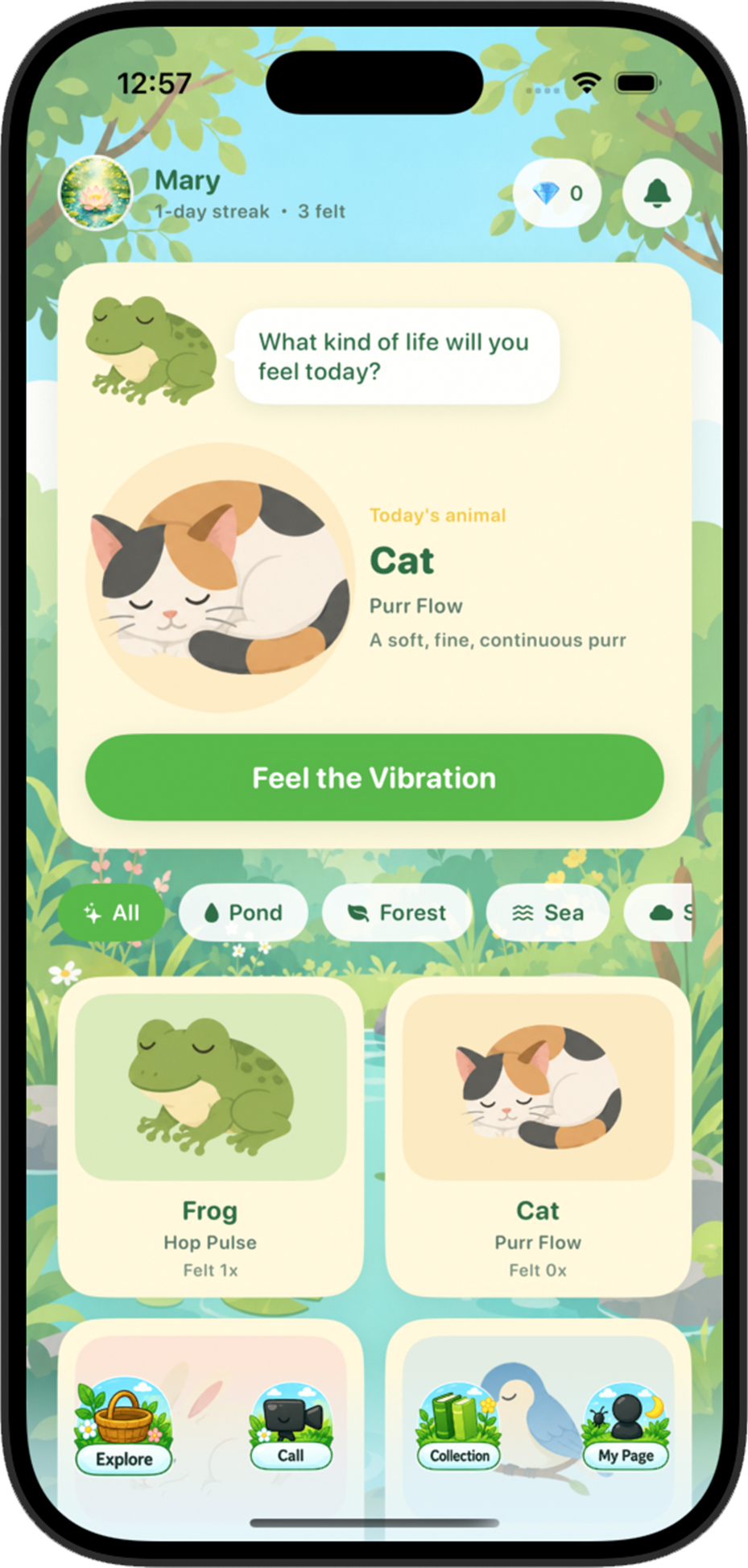
Open Explore and select an animal from the pond, forest, sea, and other habitats.
Exploreを開き、池・森・海などから気になるいきものを選びます。

Find answers about feeling animal vibrations, your collection, video calls, account settings, and safe use of Vibloom.
いきもののふるえ、コレクション、ビデオ通話、アカウント設定、安全な使い方についてご案内します。




Getting started
Feel a different living rhythm, keep what you discover, and gently connect with someone who felt the same animal.
いきものごとに違うふるえを感じ、出会った記録を残し、同じいきものを感じた人とやさしくつながります。
Open Explore and select an animal from the pond, forest, sea, and other habitats.
Exploreを開き、池・森・海などから気になるいきものを選びます。
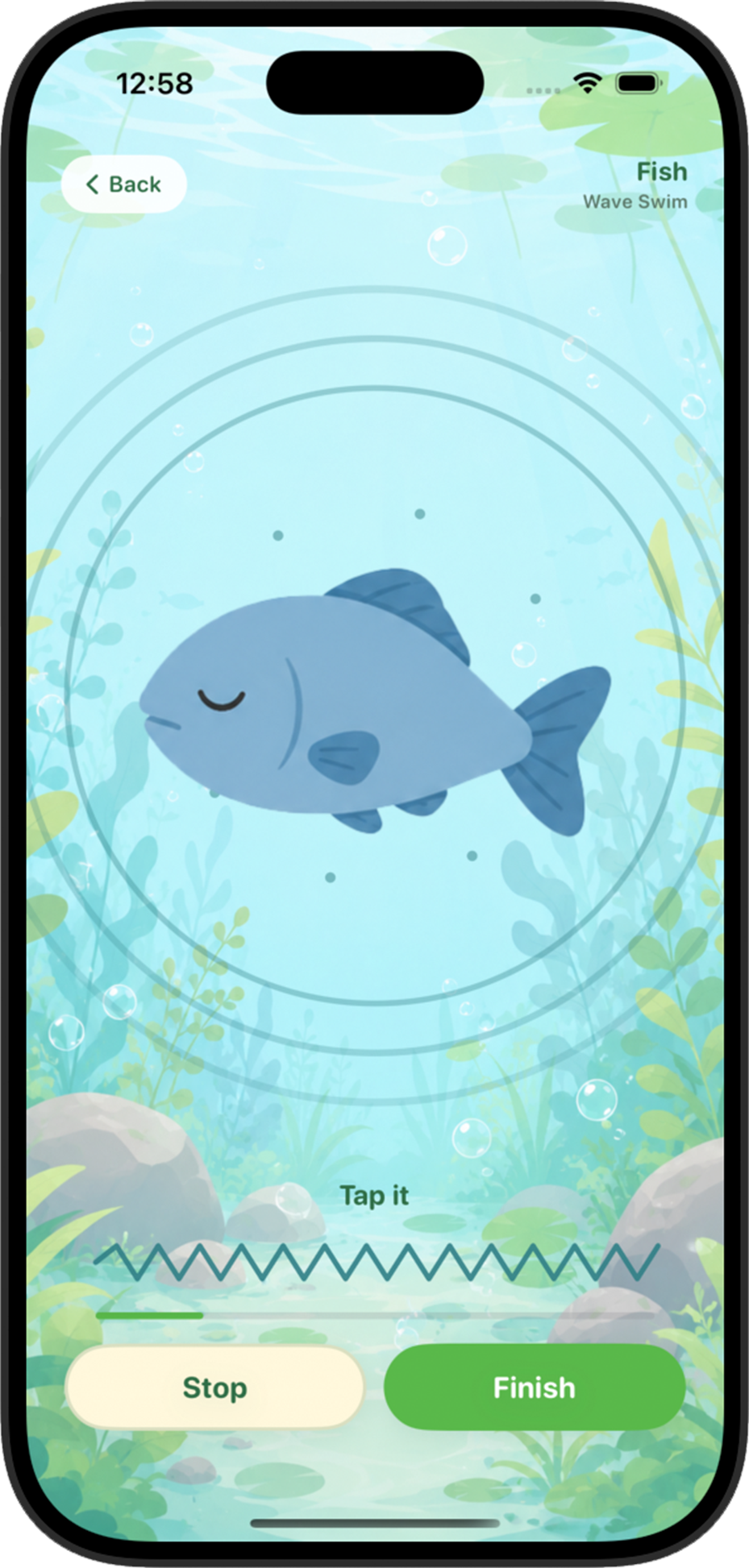
Hold your device gently and tap “Feel the Vibration.” Each animal has its own rhythm.
端末をやさしく持ち、「Feel the Vibration」をタップ。いきものごとのリズムを感じられます。
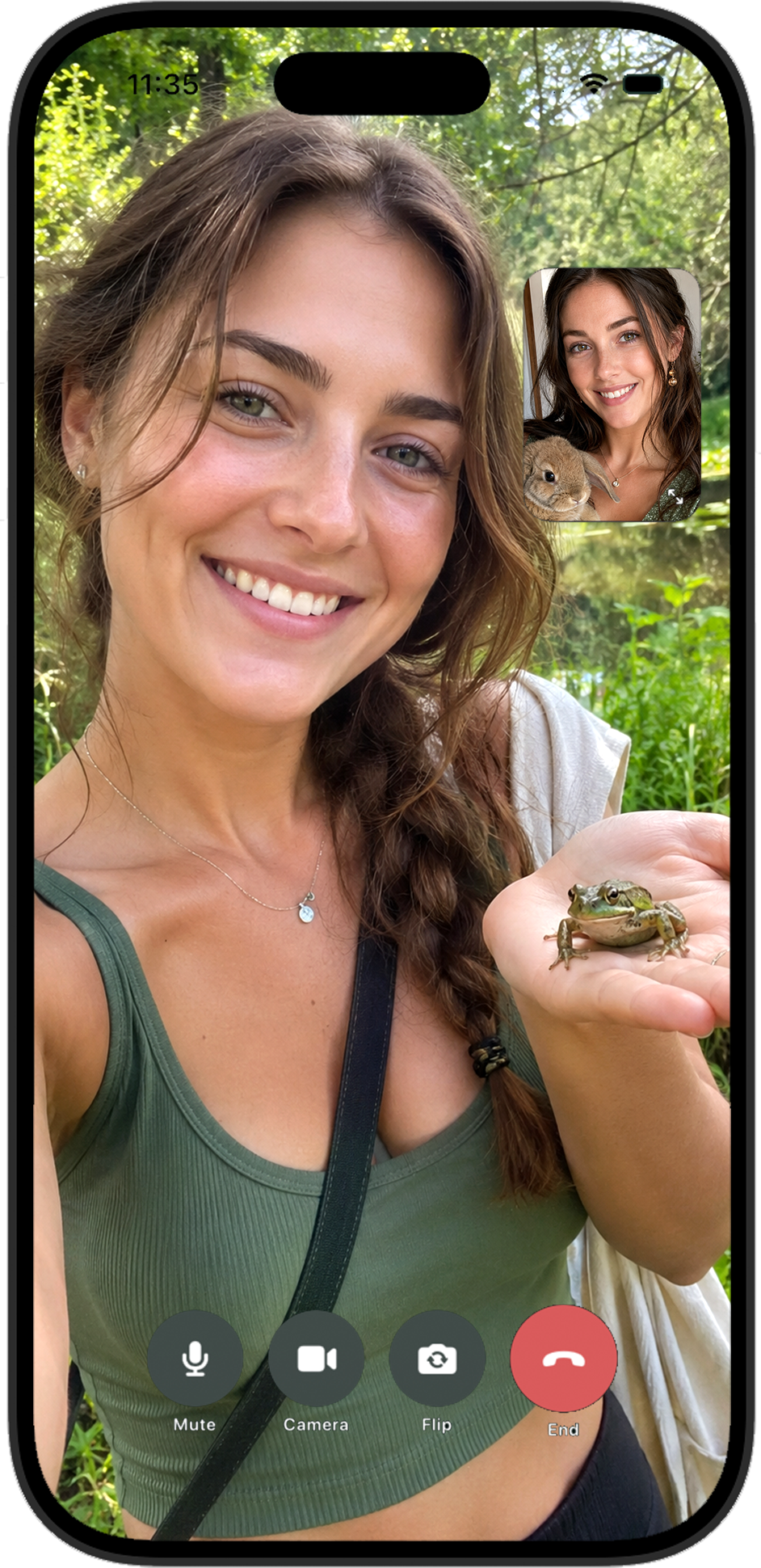
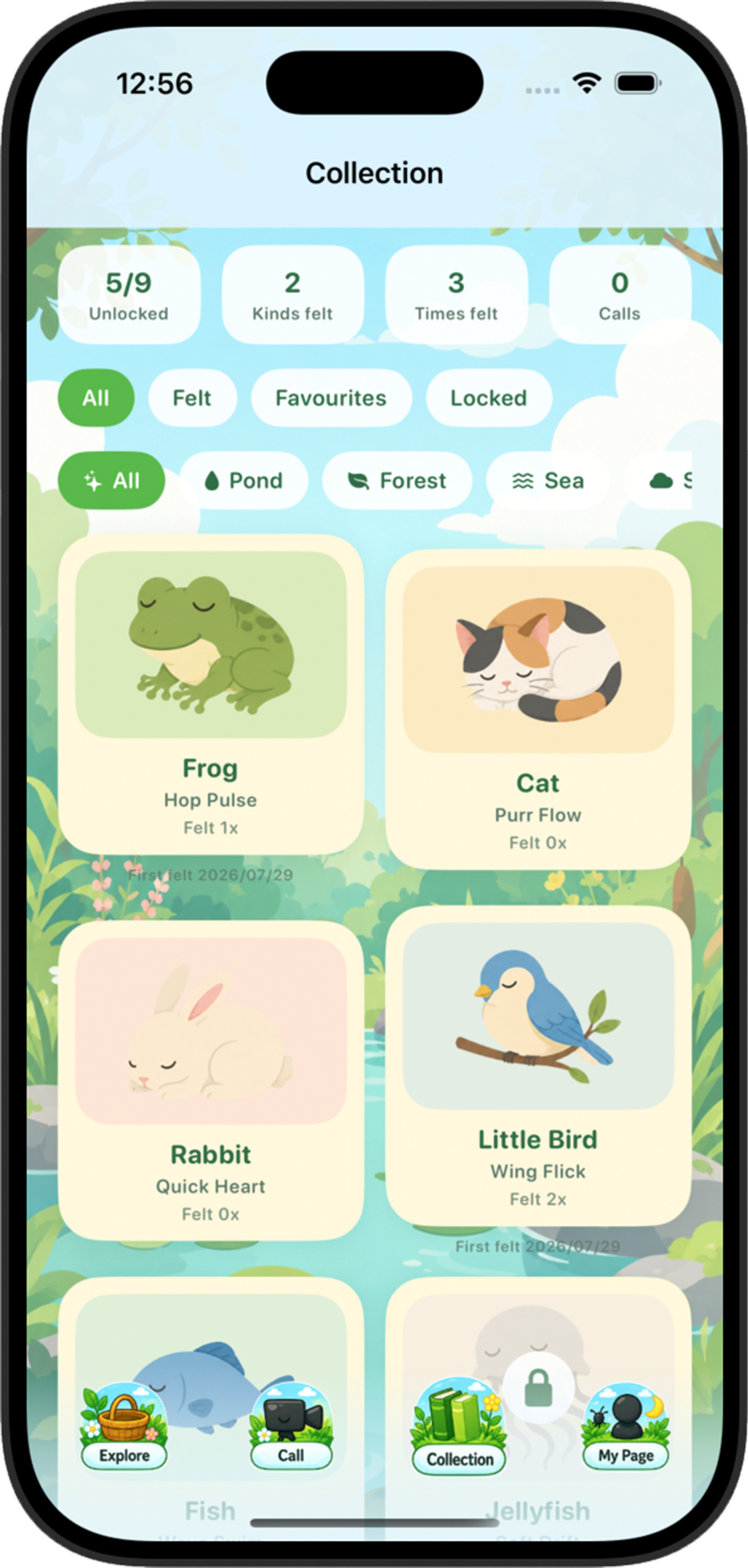
Your discoveries are saved in Collection. You can also start a video call with an available user who felt the same animal.
出会ったいきものはCollectionに残ります。同じいきものを感じた人とビデオ通話もできます。
Help
Did something go wrong? Check the answers here first.
こまったことがあったら、まずはこちらをご確認ください。
Make sure vibration or haptics are enabled in your device settings. Hold the device in your hand rather than placing it on a soft surface. Some devices may produce subtler feedback.
端末の設定で振動・触覚フィードバックが有効かご確認ください。やわらかい場所に置かず、手に持ってお試しください。端末によってふるえの強さが異なる場合があります。
After feeling an animal, open Call and tap “Start Video Call.” Vibloom searches for an available user who felt the same animal.
いきもののふるえを感じたあと、Callを開いて「Start Video Call」をタップしてください。同じいきものを感じ、現在通話できる人を探します。
There may be no available users at that moment. Please wait a little and try again. A stable internet connection is required.
その時間に通話できるユーザーがいない場合があります。少し時間を置いて再度お試しください。安定した通信環境も必要です。
Open Collection. You can filter animals by felt status, favorites, locked status, and habitat.
Collectionを開いてください。感じた/お気に入り/未解放や、生息場所ごとに絞り込めます。
You can report and block from the button shown during a call, or from the screen shown after a call ends. Reports are reviewed by the moderation team.
通話中に表示されるボタン、または通話終了後に表示される画面からブロック・通報できます。通報内容は運営が確認します。
Open My Page and tap “Delete account,” then follow the on-screen instructions. Account deletion cannot be undone.
My Pageの「Delete account」をタップし、画面の案内に従ってください。削除したアカウントは元に戻せません。
Vibloom is for users aged 18 or older. High school students are not eligible, even if they are 18 or older.
Vibloomは18歳以上の方が利用できます。18歳以上でも高校生は利用できません。
Internet and mobile data charges are your responsibility. Video calls may use a large amount of data, so Wi-Fi is recommended.
インターネット通信料・モバイル通信料はユーザー負担です。ビデオ通話は通信量が多くなる場合があるため、Wi-Fiの利用をおすすめします。
Contact
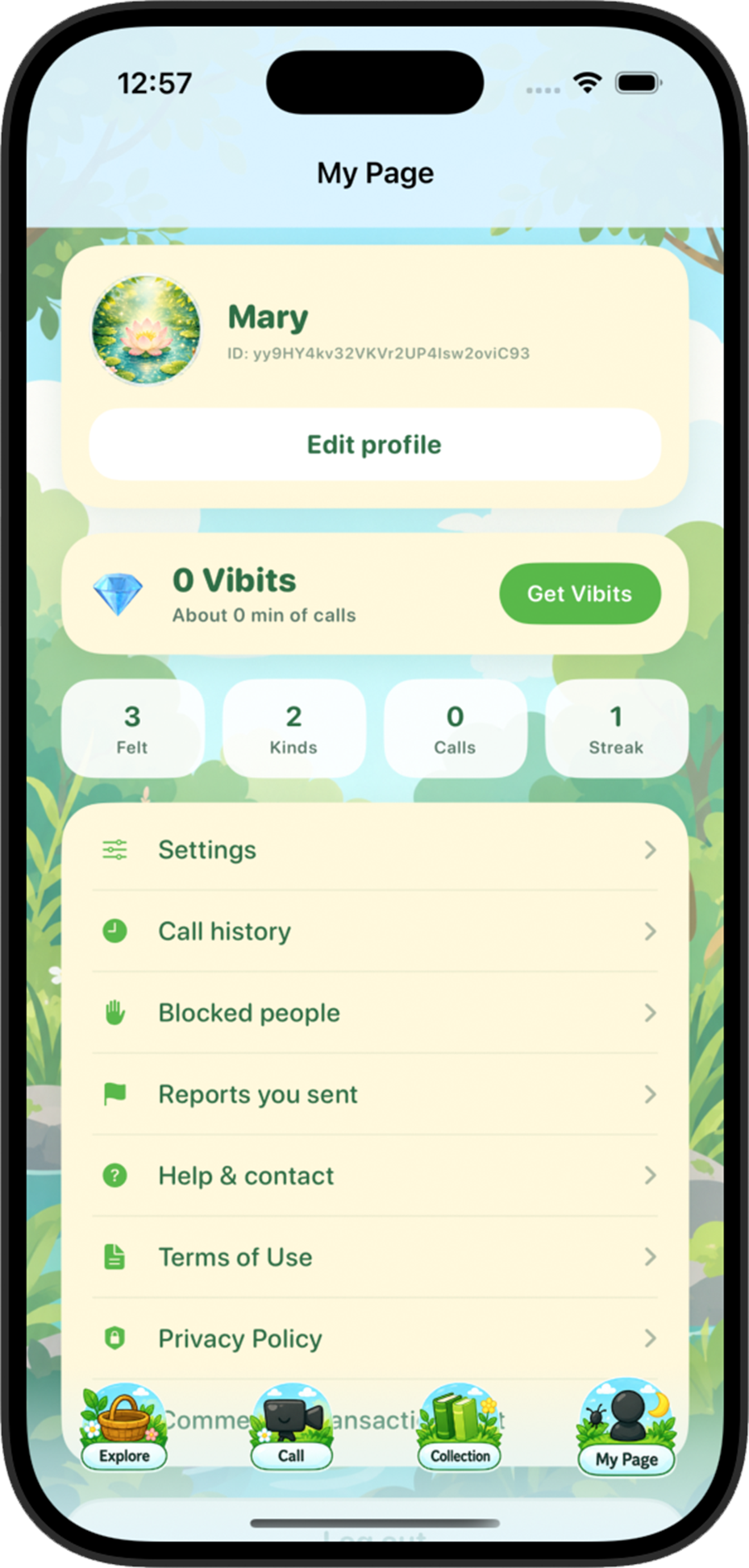
Please contact us from My Page → Help & contact in the app, or send an email using the button below. Include your device model, OS version, and a brief description of the issue.
アプリ内のMy Page → Help & contact、または下のボタンからご連絡ください。端末名、OSのバージョン、発生している内容を書いていただくと確認がスムーズです。